
Sign in to your wtfwin account and jump straight into live baccarat, jackpot slots, bingo, and more. Fast, secure, and built for Filipino players — whether you're logging in from Makati, Cebu, or Davao.
Getting back into your wtfwin account takes less than a minute. Here's exactly what to do, whether you're on your phone in Quezon City or on a laptop in Cebu.
Navigate to wtfwin.app on any browser — Chrome, Safari, or Firefox all work perfectly. No app download needed. The site loads fast even on a standard mobile data connection.
Type in your registered email address or username and your password. If you saved your credentials on your device, your browser may autofill these for you automatically.
If you have two-factor authentication enabled, enter the OTP sent to your registered mobile number or email. This extra step keeps your wtfwin account and funds secure.
You're in. Head straight to the live casino lobby, browse the slot collection, or check your wallet balance. Your GCash deposit history and bonus balance are all right there on your dashboard.
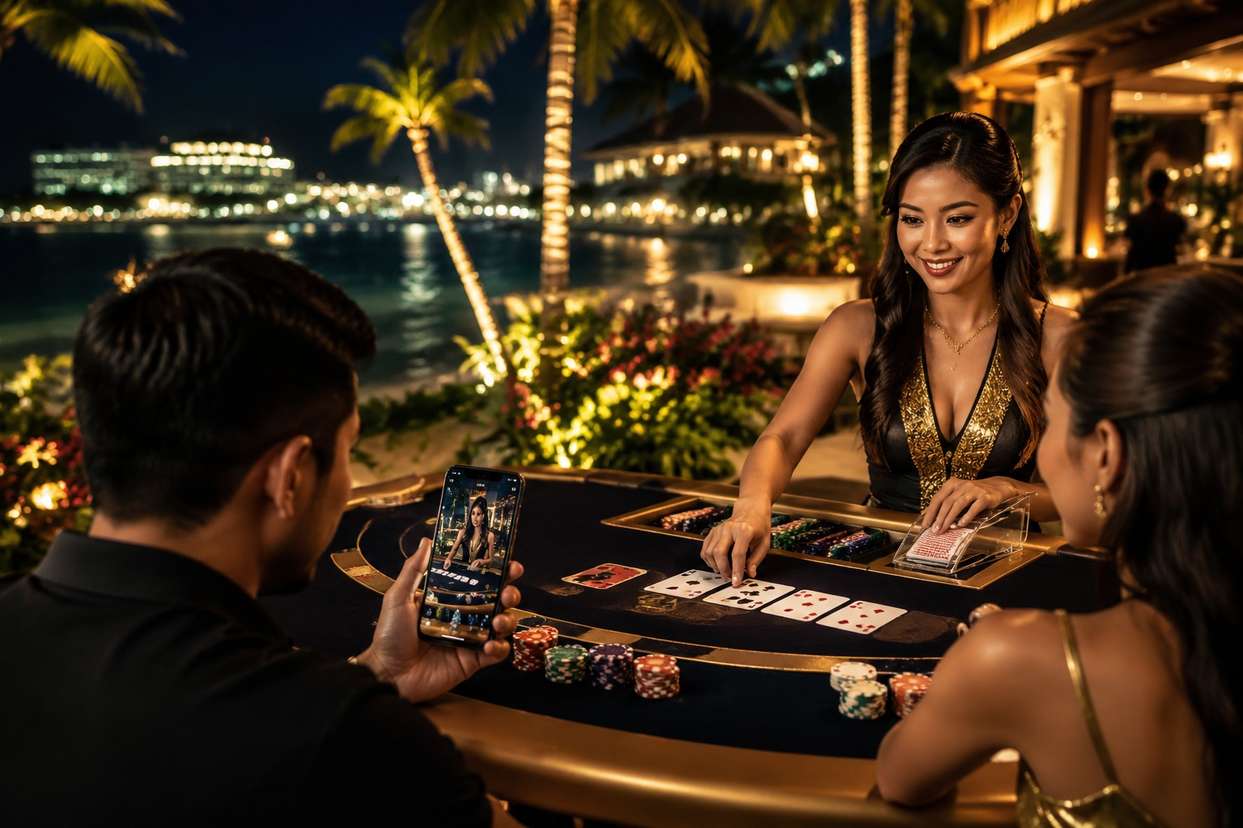
The wtfwin account dashboard is designed to be clean and fast — no clutter, no confusion. Once you complete your wtfwin login, you land on a personalized home screen that shows your balance, active bonuses, recent game history, and quick-access shortcuts to your favorite games.
See your real-money balance, bonus credits, and pending withdrawals at a glance. Deposit via GCash or PayMaya in seconds — funds appear instantly so you never miss a live dealer round.
All your active bonuses, wagering progress, and available promotions are tracked in one tab. Claim your weekly reload, check cashback status, or see how close you are to the next VIP tier.
Every bet, win, deposit, and withdrawal is logged with timestamps. Filter by game type, date range, or transaction type. Full transparency on every peso that moves through your account.
Set deposit limits, session reminders, and cooling-off periods directly from your account settings. These tools activate immediately and are there to help you stay in control of your gaming habits.
Track your identity verification progress. Fully verified accounts unlock higher withdrawal limits and priority processing — GCash cashouts in under five minutes for verified players.

Every login to wtfwin is protected by multiple layers of security. Your personal data and funds are safe — here's how.
All data transmitted between your device and wtfwin servers is encrypted using industry-standard SSL technology. Your login credentials are never sent in plain text.
Enable 2FA on your wtfwin account for an extra layer of protection. An OTP is sent to your registered mobile number every time a login is detected from a new device or location.
wtfwin tracks login attempts and flags suspicious activity automatically. If an unrecognized device tries to access your account, you'll receive an immediate alert.
After several failed login attempts, your wtfwin account is temporarily locked to prevent brute-force attacks. Unlock it securely via your registered email address.
Inactive sessions are automatically ended after a set period. This protects your account if you forget to log out on a shared device — common in internet cafes around Metro Manila.
Your personal information, payment details, and account data are stored in encrypted databases. wtfwin never stores raw card numbers or full GCash account details on its servers.
For most Filipino players, the wtfwin login page is the first thing they see every time they sit down for a gaming session — whether that's a quick baccarat round during a lunch break in Makati, a few slot spins on the commute home from BGC, or a full evening of live casino action from the comfort of their apartment in Davao. Getting that login experience right matters, and wtfwin has built it to be as fast and frictionless as possible.
The login process at wtfwin is straightforward: enter your registered email or username, type your password, and you're in. For players who've enabled two-factor authentication — which wtfwin strongly recommends — there's one additional step where you enter a one-time PIN sent to your mobile number. The whole process takes under 30 seconds on a decent connection, and the platform remembers trusted devices so repeat logins are even faster.
The majority of wtfwin players in the Philippines access the platform via mobile — which makes sense given how central smartphones are to daily life here. The wtfwin login page is fully optimized for mobile browsers on both Android and iOS. The input fields are properly sized for touch, the password toggle works cleanly, and the page loads quickly even on a 4G connection in areas with moderate signal strength.
Desktop users get the same clean experience with a slightly wider layout. Whether you're on Chrome, Firefox, Edge, or Safari, the wtfwin login page renders consistently and performs well. There's no dedicated app required — the browser-based experience is smooth enough that most players never feel the need for one.
Once your wtfwin login is successful, you land on your personalized dashboard. This is where everything lives: your current balance in Philippine Peso, any active bonus credits, your recent game history, and quick links to the game categories you play most. If you have a pending withdrawal, its status is visible right there — no need to dig through menus to find out where your GCash cashout stands.
The lobby itself is organized by game type. Live casino games — baccarat, blackjack, roulette, Dragon Tiger, and game shows like Crazy Time — are front and center because they're what most Filipino players come for. The slot section sits just below, with filters that let you sort by provider, RTP, and volatility. Bingo and color prediction games have their own dedicated sections, accessible from the top navigation after login.
The most common login issue is a forgotten password. If you can't remember yours, use the password reset option on the login page — a reset link will be sent to your registered email address within a few minutes. Check your spam folder if it doesn't arrive in your inbox, as some email providers occasionally filter automated messages.
If your account has been temporarily locked due to multiple failed login attempts, the lockout typically lifts automatically after 15 to 30 minutes. You can also unlock it immediately by following the instructions in the security alert email that wtfwin sends when a lockout is triggered. If you believe your account has been accessed without your permission, contact the wtfwin support team via live chat immediately — agents are available 24/7 and can freeze your account while the situation is investigated.
Another occasional issue is browser cache conflicts, especially if you're logging in from a device you haven't used in a while. If the login page behaves unexpectedly — fields not responding, the page not loading fully — try clearing your browser cache or switching to a private/incognito window. This resolves the issue in most cases.
A few simple habits go a long way toward keeping your wtfwin account safe. Use a strong, unique password that you don't use on any other site — a mix of uppercase letters, lowercase letters, numbers, and symbols is ideal. Enable two-factor authentication if you haven't already; it takes two minutes to set up and significantly reduces the risk of unauthorized access.
Avoid logging in to wtfwin on public Wi-Fi networks — the kind you find in malls, coffee shops, or internet cafes around Metro Manila — without using a VPN. Public networks can be monitored, and your login credentials could potentially be intercepted. If you must use public Wi-Fi, make sure the site URL shows the padlock icon in your browser's address bar, confirming the SSL connection is active.
Never share your wtfwin login credentials with anyone, including people who claim to be from the wtfwin support team. Legitimate support agents will never ask for your password. If you receive a message asking for your login details, treat it as a phishing attempt and report it to wtfwin support immediately.
The wtfwin login system is part of a broader compliance framework that aligns with PAGCOR's requirements for online gaming platforms serving Filipino players. Age verification is enforced at registration, and the platform may request additional identity documents before allowing withdrawals above certain thresholds. This isn't bureaucracy for its own sake — it's the infrastructure that keeps the platform legitimate and protects players from fraud.
The 21+ age requirement is non-negotiable. If you're under 21, you cannot legally access wtfwin or any other PAGCOR-regulated online casino in the Philippines. This rule exists to protect younger Filipinos from the potential harms of gambling, and wtfwin enforces it strictly through its verification process.
For players who are of legal age and gaming responsibly, the wtfwin login is simply the door to one of the best online casino experiences available in the Philippines. Fast, secure, and built with the Filipino player in mind — log in, pick your game, and enjoy the action.